Social media posting
in one click.
Write a short brief. VisuPost writes the caption in any language your customers read, designs the post in your brand, checks the facts, and schedules it on your Facebook Page with one click.
The whole job on one screen
Your brief on the left, the finished post in the middle, and the caption, email and schedule on the right. Nothing to install and nothing to learn.
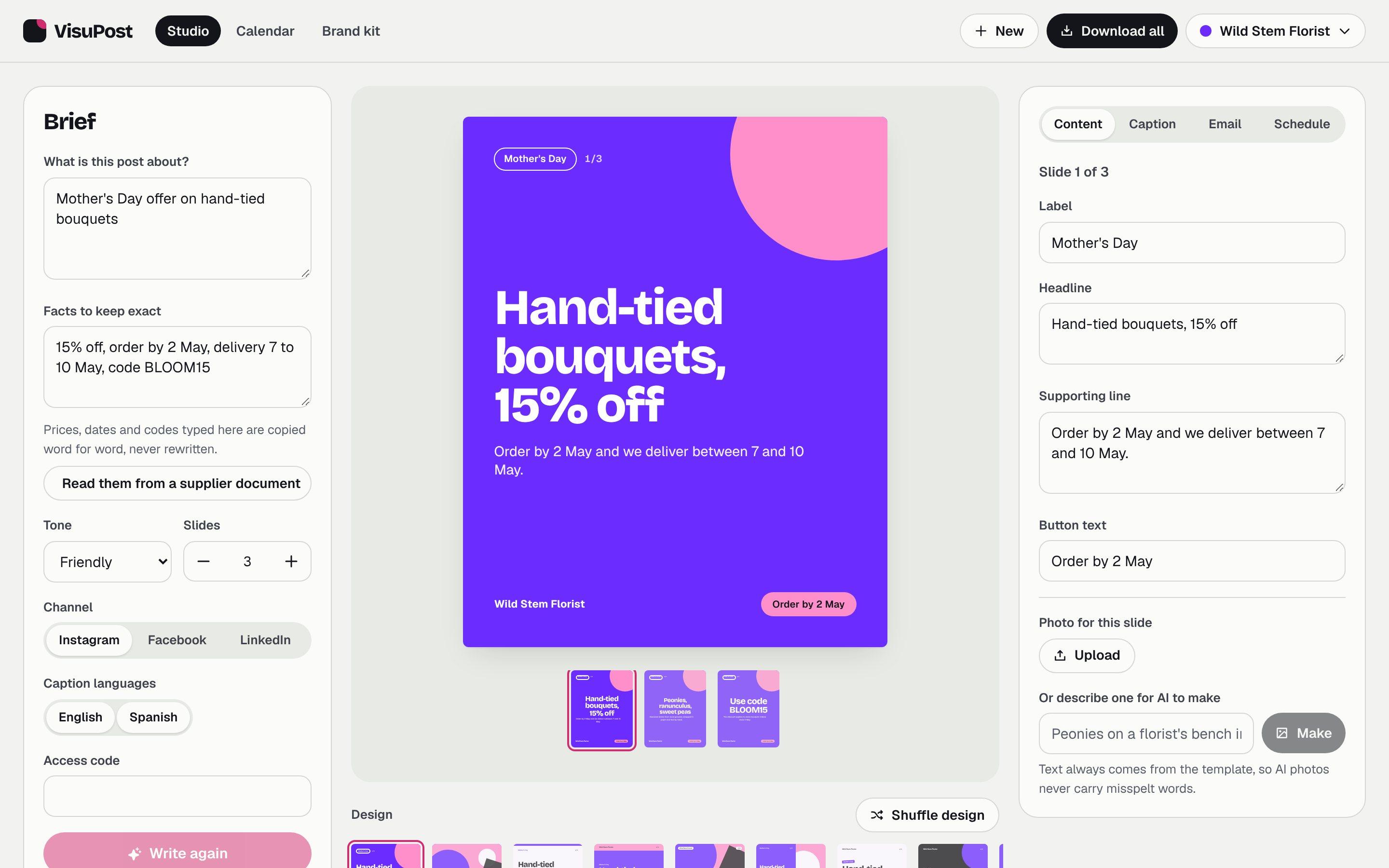
One brief, everything the campaign needs
Captions in any language
English and any other language you choose for the brand. This example is in Spanish.
Peonies, ranunculus and sweet peas, tied by hand and 15% off if you order by 2 May. We deliver between 7 and 10 May. Use code BLOOM15 at checkout.
Peonías, ranúnculos y guisantes de olor, atados a mano y con un 15% de descuento si haces tu pedido antes del 2 de mayo. Entregamos entre el 7 y el 10 de mayo. Usa el código BLOOM15 al pagar.
#MothersDay #HandTied #LocalFlorist
An email to match
Mother's Day bouquets, 15% off until 2 May
Hand-tied and delivered between 7 and 10 May. Use code BLOOM15.
Facts stay exact
Type the numbers once. They are copied, never rewritten.
- 15% off
- order by 2 May
- delivery 7 to 10 May
- code BLOOM15
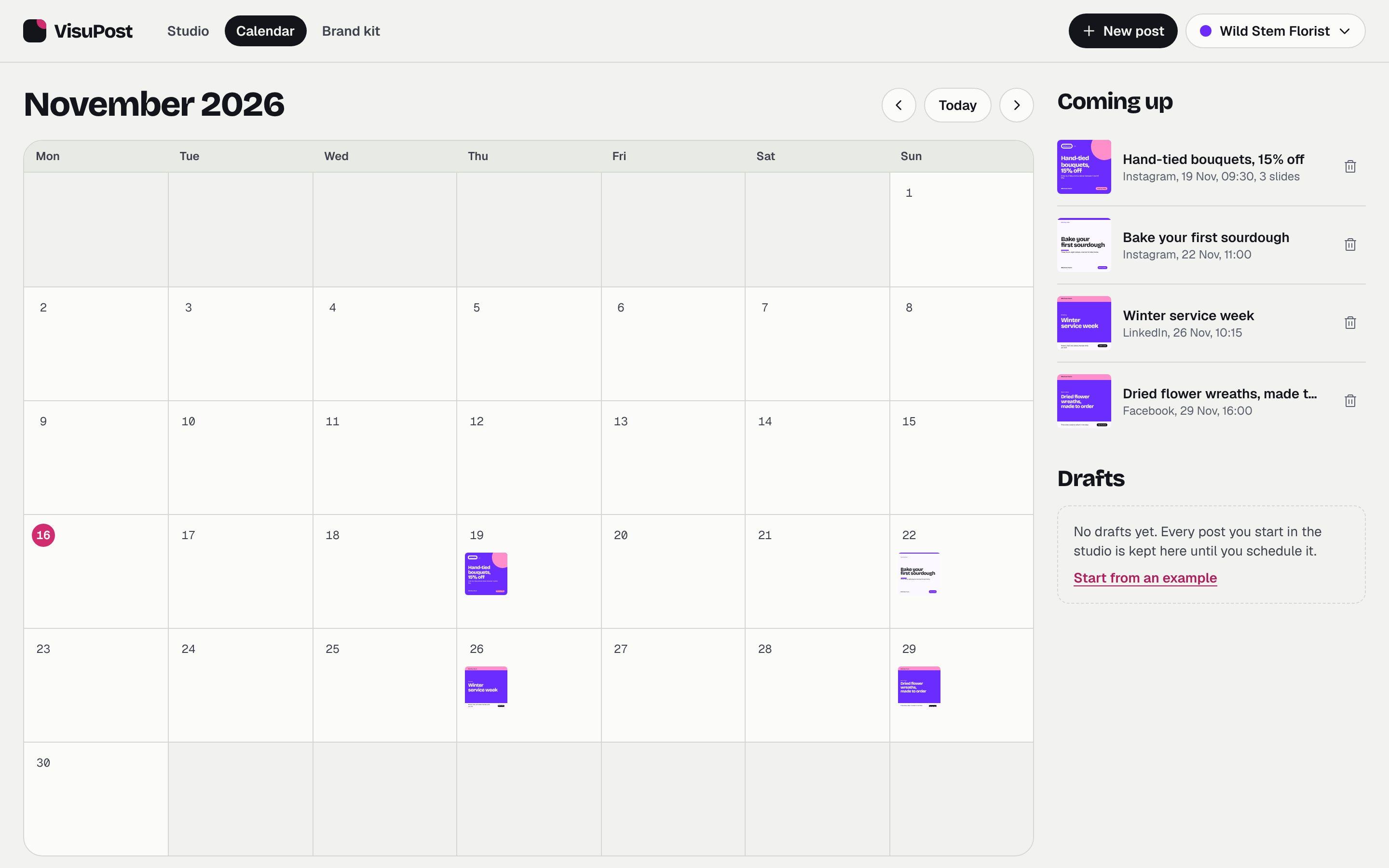
A calendar that sends to Facebook
Pick a date and a time. Your Facebook Page publishes it for you, and the month view shows what is coming.
Built so a mistake never goes out
Posting fast is only useful if what you post is right. These are the checks and tools around the one click.
Facts read from your documents
Drop in a price list, a flyer, an email or a PDF. Every price, date and condition becomes its own line beside the original, and nothing is written until someone confirms them.
Corrections that pull a post back
When a price or a date changes, load the new version and the changed lines are marked. A scheduled post returns to draft until its words match again.
Expired offers cannot go out
Give a post the last day of its offer. It cannot be scheduled after that day and is marked as expired once it has passed.
Approval by name
A post is approved by a named person before it reaches the calendar. Ask someone else by email and they get the post with a link to review it.
A 15-second video from any carousel
One button turns the slides into a vertical video in your colours, with prices and dates picked out. Download it or schedule it on your Facebook Page.
A designed email in your customers' language
Logo, artwork, subject line, preview text and a button, ready to import into Mailchimp. Written in English and in any other language you choose.
A history of every post
Who checked the facts, who edited the words, who approved it and when it was scheduled, kept with the post.
A private workspace for each client
Several brands live side by side. A client opens theirs with a private code and sees only their own brand kit and posts.
A report for each promotion
Reach, clicks and email results by promotion and by language. The layout is ready; live numbers arrive as accounts are connected.
A feed that looks planned
Your own photos between posts in your brand, all in the same colours and type. This is the founder's feed, with the branded posts made in VisuPost.
Make a post for your feed
laibstudios
Laiba Hassan, founder of Laib Studios
9 posts





Your brand on every post
Set the colours, typeface and voice once. Switch the kit below and the same post is redrawn.
Voice for Wild Stem Florist: A florist who knows every stem by name. Warm and specific, no hype.
Or put your photo behind it
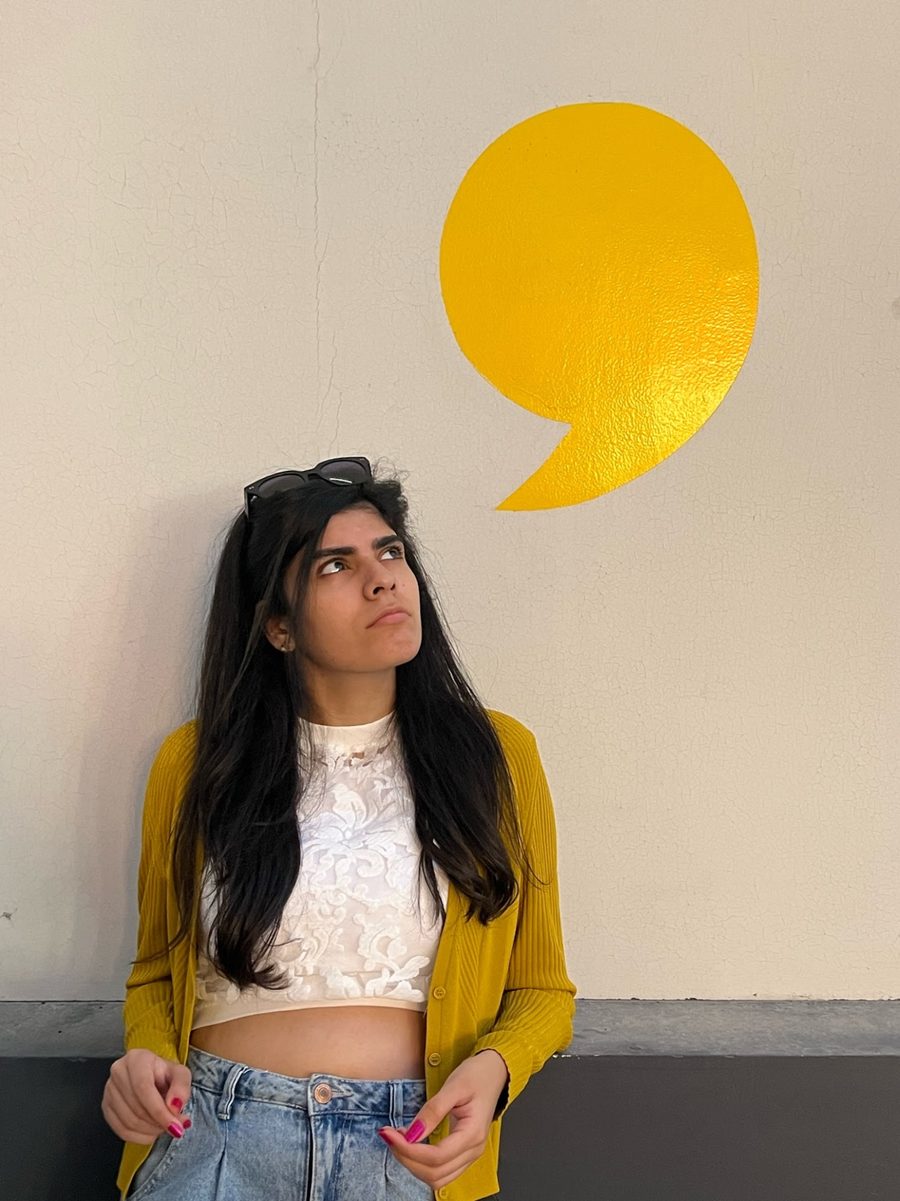
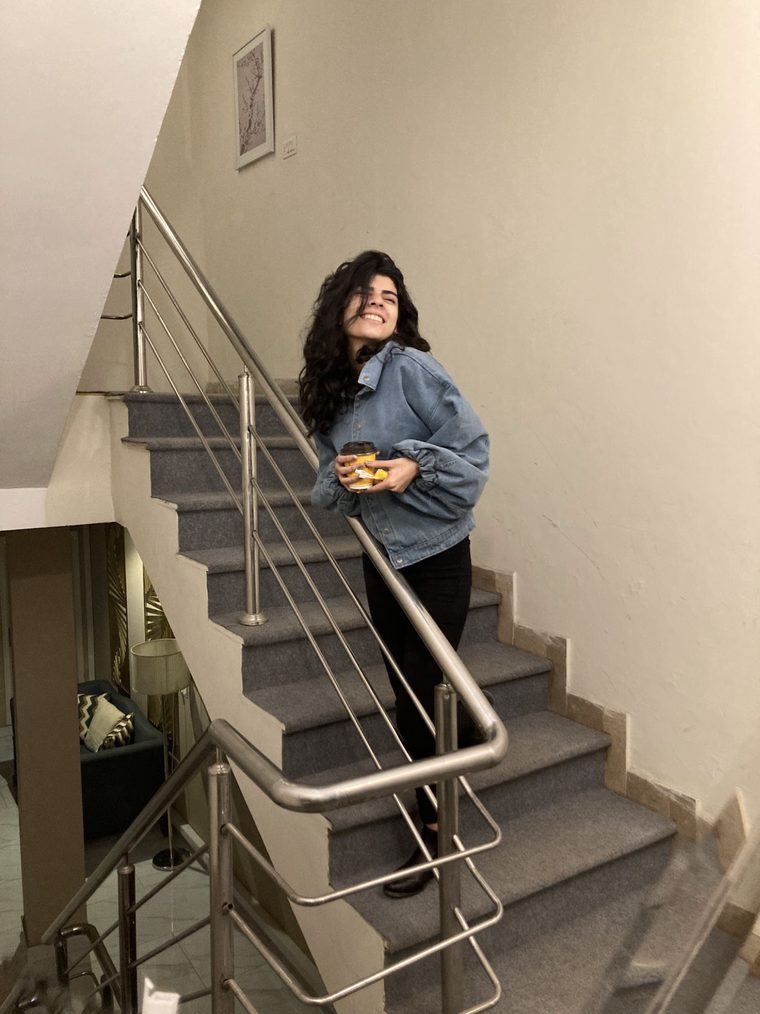
Upload a photo and it becomes the poster. The words stay readable, the logo stays in place, and the facts stay exact. These four were made in VisuPost for Laib Studios.


Questions people ask first
Does VisuPost publish the post for me?
To a Facebook Page, yes. Once the Page is connected you pick a date and time, click once, and Facebook sends it out, as a picture post or a video. Instagram and LinkedIn are being built. Until then you download the post and publish it yourself.
Will the AI change my prices or dates?
No. Anything you type under Facts to keep exact is copied as written, and facts read from a document are confirmed by a person first. The words on the image are set by the template, not drawn by AI, so they cannot be misspelt.
Can I use my own photos and logo?
Yes. Upload a photo for any slide and add your logo once in the brand kit. You can also describe a photo and have AI make one.
Which languages does it write in?
English, plus any other language you choose for each brand. Spanish, French, Portuguese, German, Italian, Dutch, Polish, Turkish, Arabic, Urdu, Hindi, Chinese, Japanese, Korean are on the list, and you can type any other. It is written as that language, not translated word for word.
Where are my posts kept?
In the browser you make them in, for now. Accounts and shared team workspaces are on the way.
Make your first post now
The studio opens with an example loaded, so you can change the words and see it work.
Open the studio